
ProPay is a long-running payment processing solution aimed primarily at small businesses, direct sales organizations, service providers, and platforms that need controlled merchant onboarding. It is not as widely discussed as Square, Stripe, or PayPal, but it has a serious niche: businesses that want card acceptance, virtual terminal tools, mobile payments, and partner-friendly payment infrastructure without building everything from scratch.
TLDR: ProPay is best suited for small merchants, direct sellers, and organizations that need simple card acceptance with managed payment tools. For example, a home services business processing 120 card payments per month at an average ticket of $85 could use ProPay for mobile and keyed payments, but should compare the total cost against flat-rate providers. Pricing is not always fully transparent because rates may depend on the account type, partner program, sales volume, and payment method. If you need modern developer tools and global ecommerce flexibility, Stripe or Adyen may be stronger alternatives.
What Is ProPay?
ProPay is a payment service provider and merchant services company owned by Global Payments. Its products are designed to help businesses accept credit cards, debit cards, and other electronic payments through multiple channels, including mobile devices, online forms, virtual terminals, and integrated partner platforms.
The company has historically served direct selling companies, small professional services firms, associations, contractors, and organizations that manage many smaller merchants under one program. This makes ProPay different from purely self-service payment platforms. It is often used in environments where a parent company, platform, or association wants to offer payment acceptance to many individual users.
Key Features
ProPay’s feature set is practical rather than flashy. The platform focuses on payment acceptance, account management, and security controls. Depending on the account type and implementation, merchants may have access to the following:
- Virtual terminal: Merchants can key in card payments from a browser, which is useful for phone orders, invoices, or service businesses.
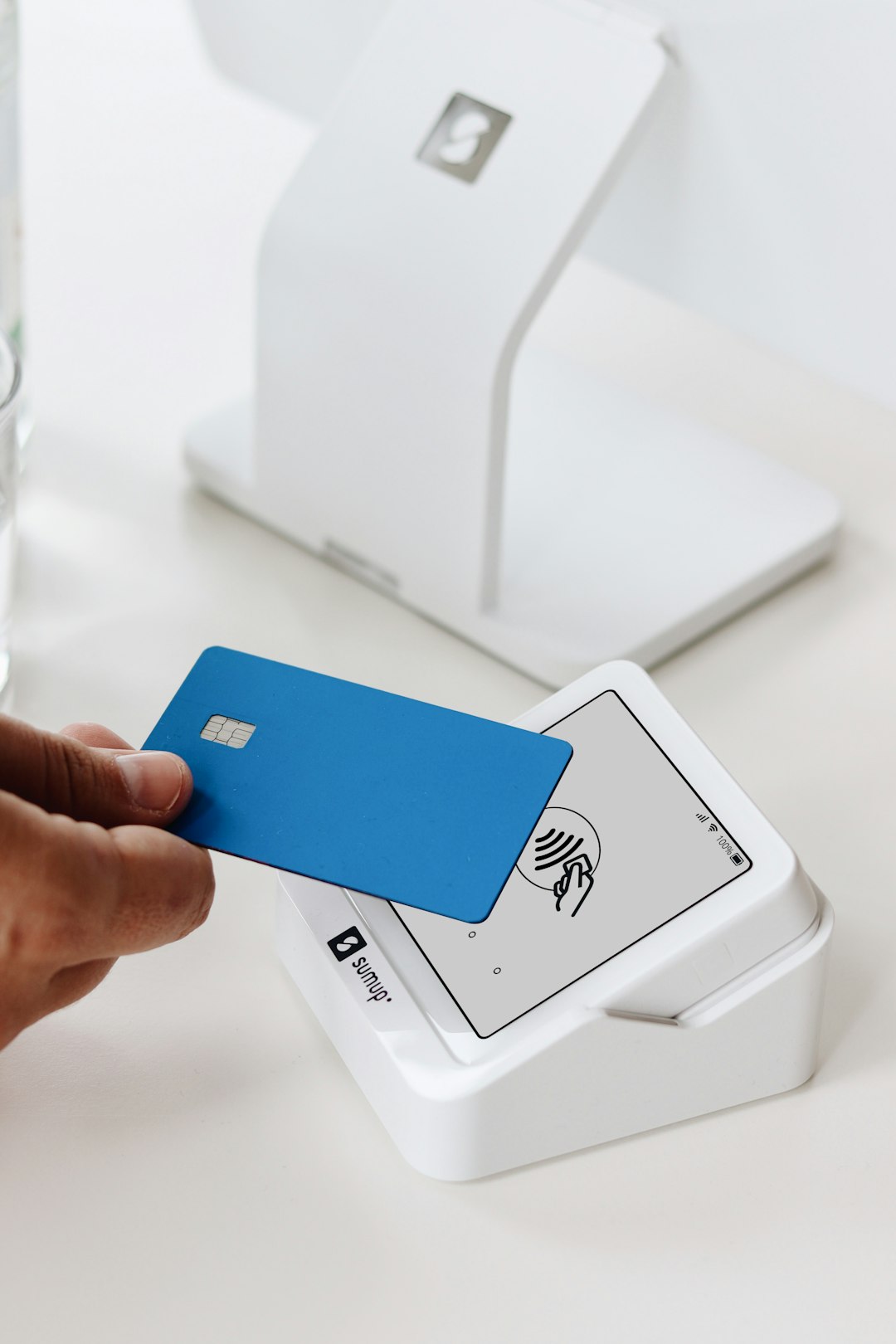
- Mobile payments: ProPay supports mobile card acceptance through compatible tools and readers, making it useful for field sales and in-person services.
- Online payment acceptance: Businesses can process payments through web-based forms, hosted payment options, or integrations.
- Recurring billing: Suitable for memberships, subscriptions, dues, and service retainers when supported by the chosen plan.
- Security and tokenization: ProPay offers security-focused tools such as tokenized storage, helping businesses reduce exposure to sensitive card data.
- Partner and platform programs: Organizations can use ProPay to onboard many sellers or members under a managed payment environment.
- Reporting: Merchants can typically review transaction history, settlement activity, refunds, and account performance through an online dashboard.
The main strength of ProPay is not that it offers every possible payment feature, but that it can be configured for controlled merchant ecosystems. For a solo consultant or local contractor, the appeal may be the virtual terminal and mobile card acceptance. For a larger organization, the advantage may be simplified payment enrollment for many independent sellers.
Payment Processing Experience
ProPay supports common payment flows, including card-present transactions, keyed transactions, ecommerce payments, and recurring payments. Like most processors, the cost and risk profile differs depending on how the transaction is entered. Swiped, dipped, or tapped payments generally carry lower risk than keyed card-not-present transactions. As a result, businesses that take many phone or invoice payments should pay close attention to card-not-present fees.
Settlement timing may vary by account configuration, bank, and risk review requirements. Some merchants may receive funds within a standard one-to-two business day window, while others may experience holds if transactions are unusual, disputed, or inconsistent with the business profile. This is normal in the payments industry, but it is important for cash-flow planning.
Security is a notable part of ProPay’s value proposition. The company emphasizes PCI compliance support, tokenization, and reduced handling of raw card data. For small businesses without dedicated IT staff, this can be valuable. However, merchants are still responsible for following payment security rules, training staff, and avoiding unsafe practices such as writing down card numbers.
Pricing and Fees
ProPay pricing can be more difficult to evaluate than providers with public flat-rate pricing. Fees may vary based on the sales channel, partner program, industry, monthly volume, risk level, and chosen features. In some cases, merchants may see account fees, transaction fees, annual or monthly fees, chargeback fees, and additional costs for enhanced services.
When reviewing ProPay pricing, ask for a complete written schedule of fees. Pay particular attention to:
- Card-present rate: The cost for in-person payments using a reader or terminal.
- Keyed or card-not-present rate: The cost for phone orders, invoice payments, and manually entered transactions.
- Monthly or annual account fee: Some setups may include ongoing account charges.
- Chargeback fee: The fee assessed when a customer disputes a transaction.
- ACH or bank transfer fees: Relevant if you accept electronic checks or bank payments.
- Hardware costs: Mobile readers or terminals may cost extra depending on the setup.
- Early termination or inactivity fees: Confirm whether these apply before signing.
Compared with Square or PayPal, ProPay may feel less transparent if you expect a simple public price list. That does not automatically mean it is more expensive. For a partner organization or direct sales company with many users, negotiated pricing may be competitive. For a very small merchant processing only a few transactions per month, a flat-rate provider may be easier to understand and manage.
Pros and Cons
Pros:
- Good fit for direct sellers, small service businesses, and organizations with many independent merchants.
- Supports virtual terminal, mobile, online, and recurring payment use cases.
- Security features such as tokenization can reduce sensitive data exposure.
- Backed by Global Payments, a major company in the payment processing industry.
- Useful for partner programs that need structured onboarding and payment control.
Cons:
- Pricing may not be as transparent as modern flat-rate competitors.
- Not always the best choice for advanced ecommerce or complex developer-first integrations.
- Some merchants may find the interface less modern than newer payment platforms.
- Fees can vary significantly depending on transaction type and account structure.
- Businesses should review contract terms carefully before committing.
Who Should Use ProPay?
ProPay is worth considering if your business needs practical payment acceptance and does not require a highly customized ecommerce stack. It is especially relevant for service professionals, direct sellers, field representatives, associations, and platforms that want to enable many smaller merchants to accept payments.
For example, a regional tutoring organization with 40 independent tutors may prefer a structured payment program that supports individual collections while maintaining oversight. Similarly, a repair technician who takes payments in customers’ homes may benefit from mobile card acceptance and a virtual terminal for follow-up invoices.
However, if your business is a fast-scaling SaaS company, international marketplace, or ecommerce brand with advanced checkout needs, ProPay may not be the most flexible option. In those cases, stronger API documentation, global payment method coverage, and more transparent online pricing may matter more.
Best ProPay Alternatives
Before choosing ProPay, compare it with several alternatives based on pricing, contract terms, support, hardware, and integration needs.
- Square: Best for small businesses that want simple pricing, point-of-sale tools, invoicing, and quick setup. It is especially strong for retail, food service, and local services.
- Stripe: Best for online businesses, SaaS companies, and developers that need APIs, subscriptions, marketplaces, and international payment methods.
- PayPal and Zettle: Good for businesses that want a recognizable payment brand, online checkout, invoicing, and basic in-person card acceptance.
- Helcim: A strong option for merchants that want interchange-plus pricing with transparent published rates and no long-term contract in many cases.
- Stax: Suitable for higher-volume businesses that may benefit from subscription-style processing pricing.
- PaymentCloud: Often considered by higher-risk merchants or businesses that have difficulty getting approved elsewhere.

Final Verdict
ProPay is a credible payment processing option with a clear focus on small merchants, direct sales, mobile payments, virtual terminals, and partner-managed payment programs. Its strongest value is in structured environments where payment acceptance needs to be distributed across multiple sellers, representatives, or members.
The main caution is pricing clarity. Before signing up, request a detailed fee schedule and compare the real monthly cost against at least two alternatives. If ProPay’s account structure matches your business model, it can be a reliable and professional solution. If you want instant setup, very transparent pricing, or advanced developer tools, competitors such as Square, Stripe, or Helcim may be a better fit.