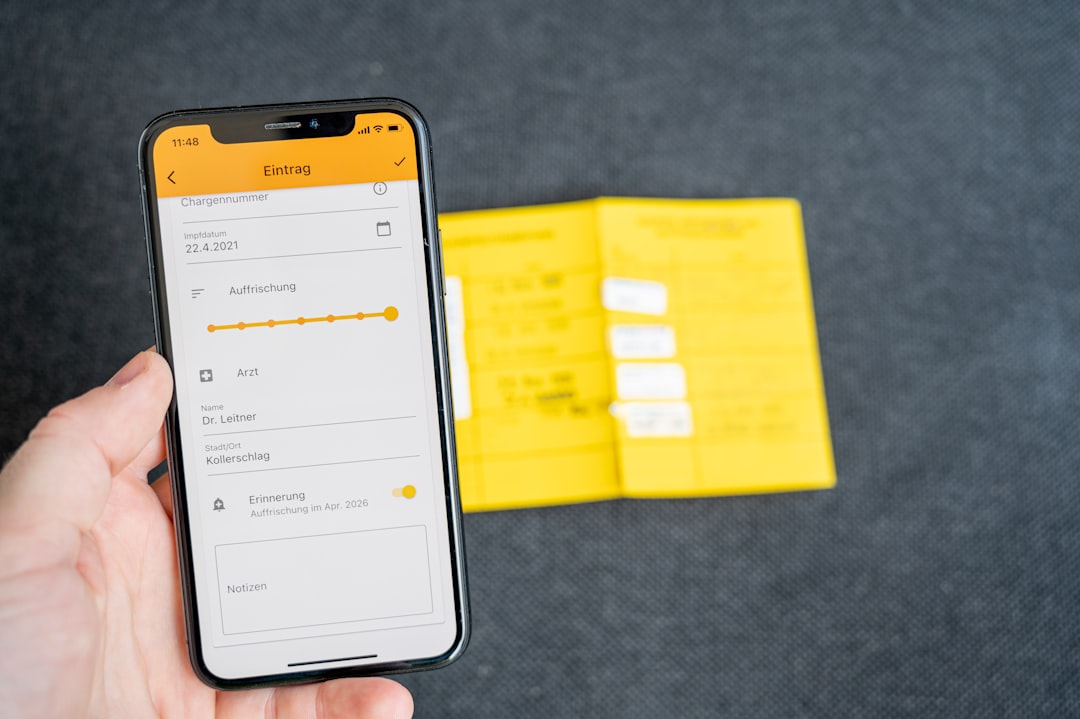

Travel reimbursement software simplifies employee expenses by turning scattered receipts, card charges, mileage logs, approvals, and payments into one controlled workflow. It reduces manual work, cuts errors, speeds up reimbursements, and gives finance teams a clear record of every claim. For employees, the biggest gain is simple: they spend less time chasing money they are owed.
TLDR: Travel reimbursement software helps employees submit expenses faster and helps finance teams approve them with fewer mistakes. For example, a sales employee who takes 12 client trips per quarter can upload receipts from a phone, match card charges automatically, and get reimbursed in days instead of weeks. Companies often cut expense processing time by 40% to 70% after replacing spreadsheets and email trails with a dedicated system. The result is better compliance, cleaner records, and fewer awkward follow-ups about missing receipts.
Why employee expense reimbursement gets messy
Business travel creates a surprising amount of admin. Flights, hotels, taxis, fuel, meals, parking, tolls, tips, client entertainment, and local taxes all create separate records. Some receipts are paper. Some arrive by email. Others sit inside booking tools or corporate card portals.
Without a proper system, employees often wait until Friday afternoon to build an expense report from memory. Finance then has to check every line, confirm policy rules, ask for missing proof, and manually enter data into accounting software. It drives me crazy that a five minute taxi ride can create twenty minutes of admin when the process is still based on spreadsheets.
Travel reimbursement software fixes this by creating a standard path from purchase to payment. Employees submit expenses in one place. Managers approve them in one place. Finance reviews and exports the data from one place.

How the software reduces manual data entry
The most obvious benefit is automation. Employees can photograph receipts with a mobile app. The software reads key details such as merchant name, date, amount, tax, currency, and payment method. It then fills much of the expense entry automatically.
This matters because manual typing is slow and unreliable. A hotel bill for 487.90 can become 478.90. A receipt dated 03/04 can be read differently across regions. A lunch can be coded to travel meals when it should be client entertainment. Small mistakes add up across hundreds or thousands of claims.
Good reimbursement tools reduce these issues through:
- Receipt scanning using optical character recognition.
- Automatic categorization based on merchant, amount, and expense type.
- Currency conversion using approved exchange rates.
- Corporate card matching to connect receipts with transactions.
- Mileage calculation based on route or approved distance rates.
The employee still checks the claim, but the blank-page problem disappears. That alone can save hours each month for frequent travelers.
Policy compliance becomes easier to enforce
Expense policies often live in PDF documents that few people read closely. The rules may say hotel stays must be under 220 per night, meals need itemized receipts, alcohol is excluded, and taxi use requires a business reason. Employees may not break rules on purpose. They simply forget.
Travel reimbursement software brings the policy into the expense process itself. If a claim breaks a rule, the system can flag it before submission or approval. That gives employees a chance to correct the issue early.
Common controls include:
- Spending limits by city, role, department, or trip type.
- Required fields for attendees, business purpose, or project code.
- Receipt requirements based on amount or expense category.
- Duplicate detection to prevent the same receipt being claimed twice.
- Exception routing for claims that need extra review.
This is not about making travel harder. It is about removing guesswork. Employees know what is acceptable before the claim reaches finance. Managers get cleaner reports. Finance spends less time rejecting expenses that should never have been submitted.
Approvals move faster and become more visible
Slow approvals are one of the biggest frustrations in reimbursement. An employee submits a claim, hears nothing for two weeks, then sends a polite message to a manager. The manager says they never saw it. Finance says it is waiting on approval. Everyone loses time.
Software gives each expense a clear status. Submitted. Pending manager approval. Returned for correction. Approved. Scheduled for payment. Paid. Employees do not need to ask where the claim is because the workflow shows it.
Approval chains can also be set by business rules. A small taxi fare may go straight to the line manager. An international hotel stay above policy may require department head review. A client entertainment claim may need finance approval. The route is consistent, and the audit trail is preserved.
Finance teams get cleaner records and stronger control
For finance departments, reimbursement software is not just a convenience tool. It supports accounting accuracy, audit readiness, tax handling, and cash planning.
Each approved claim can be coded to the correct cost center, client, project, general ledger account, and tax category. The software can then sync with accounting or enterprise resource planning systems. This reduces duplicate entry and helps month-end close run more smoothly.
Audit trails are especially valuable. A proper system records who submitted the expense, who approved it, when it changed, what receipt was attached, and why an exception was accepted. If auditors ask for proof, finance can retrieve records quickly instead of searching inboxes and shared drives.
Honestly, it feels like a waste when skilled finance staff spend hours matching email attachments to spreadsheet rows. Their time is better spent reviewing trends, spotting unusual spend, and improving policy design.
Employees get paid faster
Fast reimbursement matters. Employees should not have to carry company costs on personal cards for long periods. This is especially true for junior staff, field teams, consultants, and salespeople who travel often.
When expense reports are submitted quickly and approved through a defined workflow, payment can happen sooner. Some companies reimburse on a weekly schedule. Others connect approved claims directly to payroll or payment systems.
Speed also improves trust. Employees are more likely to follow policy when the company treats reimbursement as a reliable process. If claims vanish into a black hole, people get annoyed. They may delay submissions, skip details, or avoid business travel unless required.
Mobile access changes the whole process
The best time to record an expense is right after it happens. A mobile app makes that possible. An employee can photograph a dinner receipt outside the restaurant, add the client name, and submit it before returning to the hotel.
This reduces lost receipts and vague explanations. It also captures details while they are fresh. A week later, “coffee meeting” may mean nothing. At the time, the employee can enter the business purpose clearly.
Mobile reimbursement tools often include:
- Receipt capture from the phone camera.
- Email receipt forwarding for flights, hotels, and ride services.
- Push notifications for approvals, rejections, and missing details.
- Offline entry for flights, trains, or areas with poor signal.
- Trip based grouping so expenses stay linked to the right journey.

Better reporting helps reduce travel costs
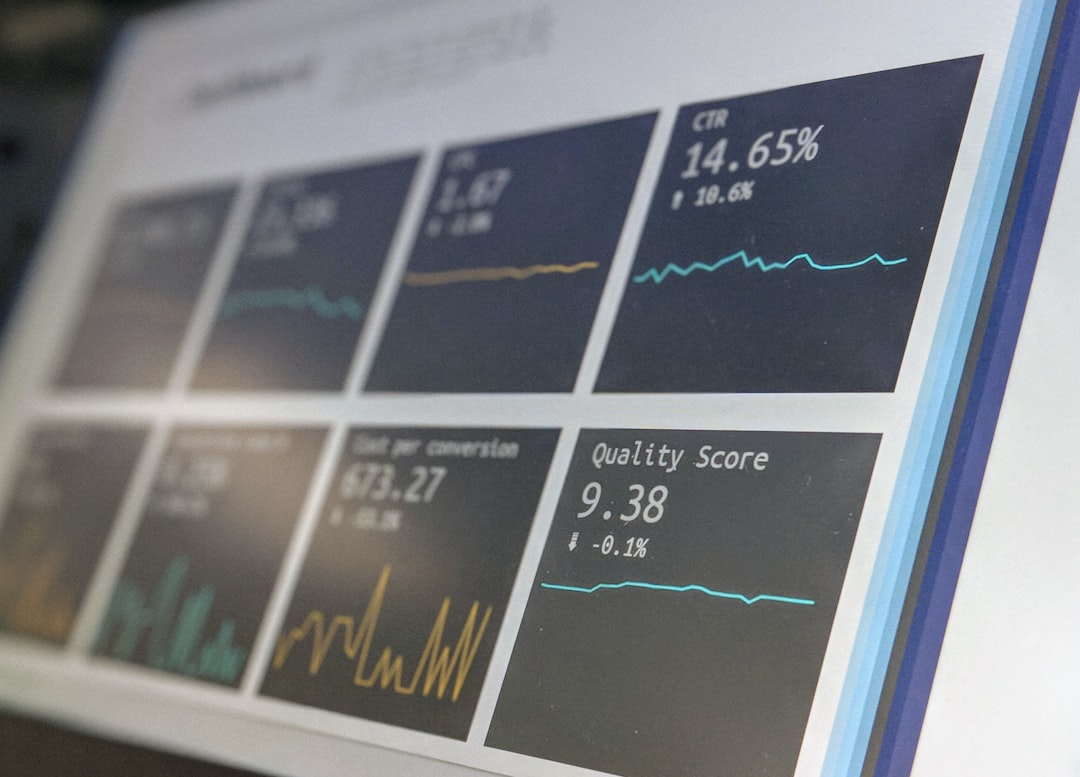
Once expense data is structured, leaders can see patterns. Which teams spend the most on hotels? Which routes create the highest taxi costs? Are employees booking late and paying more? Are meal limits realistic in certain cities?
These answers help companies make better decisions. They may renegotiate hotel rates, update meal caps, change preferred transport options, or revise approval rules for high-cost trips. The software turns individual claims into useful spending data.
Reporting can also reveal policy problems. If 35% of hotel claims in one city exceed the limit, the limit may be too low. If many receipts are returned for missing attendees, the form may need clearer instructions. Good data supports fair rules instead of guesswork.
What to look for in a reliable solution
Not every tool is equal. A serious reimbursement platform should be easy for employees but strong enough for finance control. If it takes 90 seconds longer to submit a simple meal claim than it did by email, adoption will suffer.
Key features to assess include:
- Simple mobile receipt capture with accurate text recognition.
- Configurable policy rules for limits, approvals, and exceptions.
- Corporate card integration for automatic transaction matching.
- Accounting system connections to reduce manual exports.
- Clear audit trails for compliance and internal review.
- Role based permissions to protect sensitive financial data.
- Useful reporting by department, project, traveler, and category.
Security should also be reviewed carefully. Expense systems contain personal data, travel details, bank information, and commercial records. Look for strong access controls, encryption, data retention settings, and documented security practices.
The business case is practical
Travel reimbursement software does not remove every expense issue. Employees can still forget receipts. Managers can still delay approvals. Policies can still be poorly written. But the system reduces the everyday friction that makes reimbursement slow and error prone.
The clearest value comes from four areas: less admin, faster payment, better compliance, and stronger financial visibility. Employees get a simpler process. Managers get cleaner claims. Finance gets reliable records. The business gets tighter control over travel spend.
For companies with regular travel, reimbursing employees through email and spreadsheets is no longer a sensible default. A dedicated system brings order to a process that touches cash flow, morale, accounting, and compliance. That makes it a serious operational upgrade, not just another software purchase.