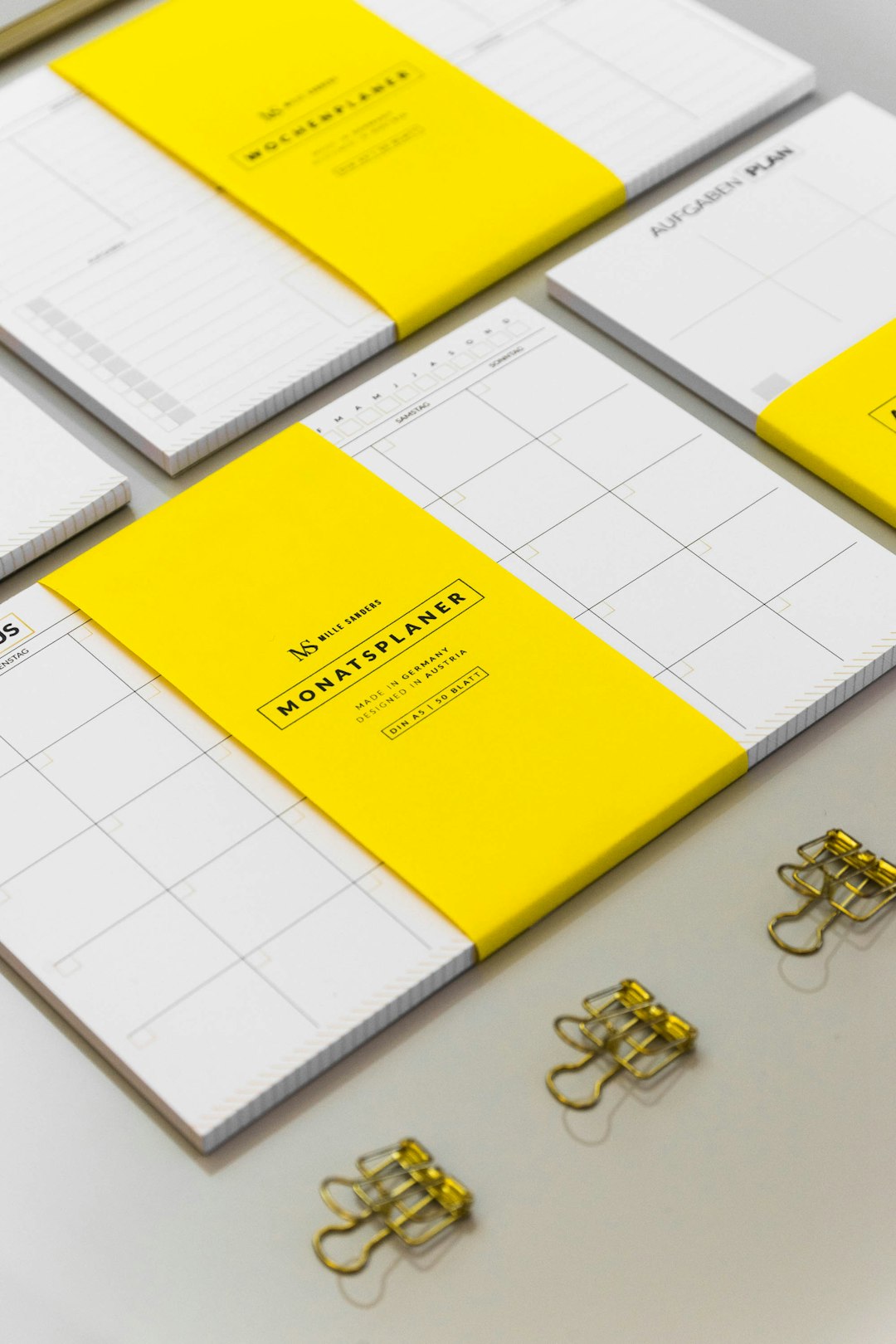

Planning content without a system feels like juggling flaming torches. Fun at first. Stressful very fast. Blog posts, social media updates, emails, videos. They pile up quickly. That is why content calendar platforms like CoSchedule exist. They help you plan, organize, and publish content without losing your mind.
TLDR: Content calendar platforms help you plan and schedule blog posts, social media, emails, and more in one place. Tools like CoSchedule, Trello, Asana, Monday.com, and ClickUp make teamwork easier. They save time, reduce stress, and keep your marketing organized. If you create content regularly, a content calendar tool is a must-have.
Why You Need a Content Calendar Platform
Content marketing is not random. It works best with a plan. A clear plan saves time. It avoids last-minute panic. It keeps everyone on the same page.
Here is what happens without a calendar:
- Deadlines sneak up on you.
- Team members duplicate work.
- Social posts get forgotten.
- Campaigns feel messy.
A content calendar platform fixes this.
It shows everything in one clear view. What is done. What is pending. What is publishing next week. Simple.

What Is a Content Calendar Platform?
A content calendar platform is software that helps you plan, schedule, and manage content.
This content can include:
- Blog posts
- Social media updates
- Email newsletters
- Videos
- Podcasts
- Product launches
Think of it as a smart digital planner. But built for marketing teams.
Tools like CoSchedule are made specifically for marketers. Others, like Trello or Asana, are more general project management tools. Yet they can still work well for content.
What Makes CoSchedule Popular?
CoSchedule is one of the best-known content calendar platforms. It focuses heavily on marketing workflows.
Here’s what makes it stand out:
- Marketing calendar view with social and blog posts in one place.
- Social media scheduling built in.
- Task management for teams.
- Campaign organization so everything is grouped together.
- Automation features to reuse top-performing posts.
It is designed for marketing teams. Not just general task lists. That focus matters.
Other Platforms Like CoSchedule
You have options. Many good ones. Each platform has its own vibe.
1. Trello
Trello uses boards and cards. It is visual and intuitive. Drag and drop. Super simple.
Great for small teams. Great for beginners.
2. Asana
Asana is powerful. It handles tasks, deadlines, and workflows easily.
You can create content templates. Assign writers. Track progress.
3. Monday.com
Colorful. Flexible. Highly customizable.
Works well for growing teams with complex needs.
4. ClickUp
ClickUp tries to do everything. Tasks, docs, calendars, time tracking.
It is packed with features. Maybe too many for some users.
5. Notion
Notion is more flexible than structured. You build your own system.
Perfect if you love customization.

Comparison Chart
| Platform | Best For | Built-in Social Scheduling | Ease of Use | Customization |
|---|---|---|---|---|
| CoSchedule | Marketing Teams | Yes | High | Moderate |
| Trello | Small Teams | No | Very High | Moderate |
| Asana | Established Teams | No | High | High |
| Monday.com | Growing Businesses | No | Moderate | Very High |
| ClickUp | Feature Heavy Users | No | Moderate | Very High |
Key Features To Look For
Not all tools are equal. Choose based on your needs.
Here are must-have features:
- Calendar view for clear publishing schedules.
- Task assignments for accountability.
- Due dates and reminders.
- Content status tracking like Draft, Review, Published.
- File attachments for images and briefs.
- Integration with social platforms.
Nice-to-have features:
- Analytics dashboards.
- Time tracking.
- Automation workflows.
- Content templates.
Simple rule. The bigger your team, the more structure you need.
How These Tools Make Life Easier
Let’s be real. Marketing has moving parts. Lots of them.
A content calendar platform:
- Prevents content gaps.
- Keeps campaigns aligned.
- Improves team communication.
- Speeds up approvals.
- Reduces email chaos.
Instead of asking, “Who’s writing the blog post?”
You just check the board.
Instead of wondering, “Did we schedule Instagram?”
You see it clearly on the calendar.
Clarity is power.
How To Set Up Your Content Calendar
Buying a tool is step one. Using it properly is step two.
Follow these simple steps:
1. Define Your Content Types
Are you publishing blogs? Videos? Newsletters?
Create categories for each type.
2. Create Content Stages
Keep it simple:
- Idea
- Outline
- Draft
- Editing
- Scheduled
- Published
3. Assign Clear Roles
Who writes? Who edits? Who publishes?
Make it obvious.
4. Plan Ahead
Try planning at least one month in advance.
Quarterly planning is even better.
5. Review Weekly
Content plans change. That is normal.
Review weekly. Adjust quickly.

Common Mistakes To Avoid
Even great tools can fail. Usually because of bad habits.
Avoid these mistakes:
- Overcomplicating the system. Simple works best.
- Not updating task statuses. Keep it accurate.
- No clear ownership. Every task needs a name.
- Planning too far ahead without flexibility.
Your calendar should serve you. Not control you.
Who Should Use These Platforms?
Short answer. Almost everyone creating regular content.
Especially:
- Marketing agencies.
- In-house marketing teams.
- Solo entrepreneurs.
- Bloggers.
- Growing startups.
If you publish once a month, maybe a simple spreadsheet works.
If you publish weekly or daily, get proper software.
The ROI of Staying Organized
Time is money. Disorganization wastes both.
With a content calendar platform, you:
- Launch campaigns faster.
- Reduce missed deadlines.
- Improve content consistency.
- Create better team focus.
Consistency builds trust. Trust builds revenue.
Also, stress drops. That alone is priceless.
Is CoSchedule Worth It?
If you want a marketing-focused solution, yes.
If you need heavy customization, maybe explore alternatives.
CoSchedule shines when:
- You run multiple campaigns.
- You manage social and blog content together.
- You want built-in publishing tools.
Tools like Trello or Notion shine when:
- You prefer flexibility.
- You want lower cost options.
- You enjoy building your own systems.
Final Thoughts
Content without a plan is noise.
Content with a plan is strategy.
Platforms like CoSchedule turn chaos into clarity. They give your ideas a home. They give your team direction. They turn “We should post something” into “It’s scheduled for Thursday at 10 AM.”
Start simple. Pick a platform that fits your team size and goals. Build a realistic system. Keep it updated.
Then enjoy the magic of opening your calendar and knowing exactly what comes next.
That feeling? Pure marketing peace.