

Understanding your customers can feel like solving a giant puzzle. You know they click. You know they scroll. You know they buy… sometimes. But why do they drop off? Why do they hesitate? That is where customer journey mapping comes in. It helps you see your product or service through your customer’s eyes.
TLDR: Customer journey mapping tools help you visualize how users interact with your brand from start to finish. They reveal pain points, emotions, and behavior patterns. The right tool can improve UX, increase conversions, and reduce friction. Below are eight powerful tools that make journey mapping easier and more actionable.
Let’s break it down in a simple way. A customer journey map shows:
- What users do
- What they think
- What they feel
- Where they struggle
- Where they succeed
And the best part? You do not have to draw it all by hand anymore. Modern tools do the heavy lifting.
1. Miro
Best for: Collaborative brainstorming and visual mapping.
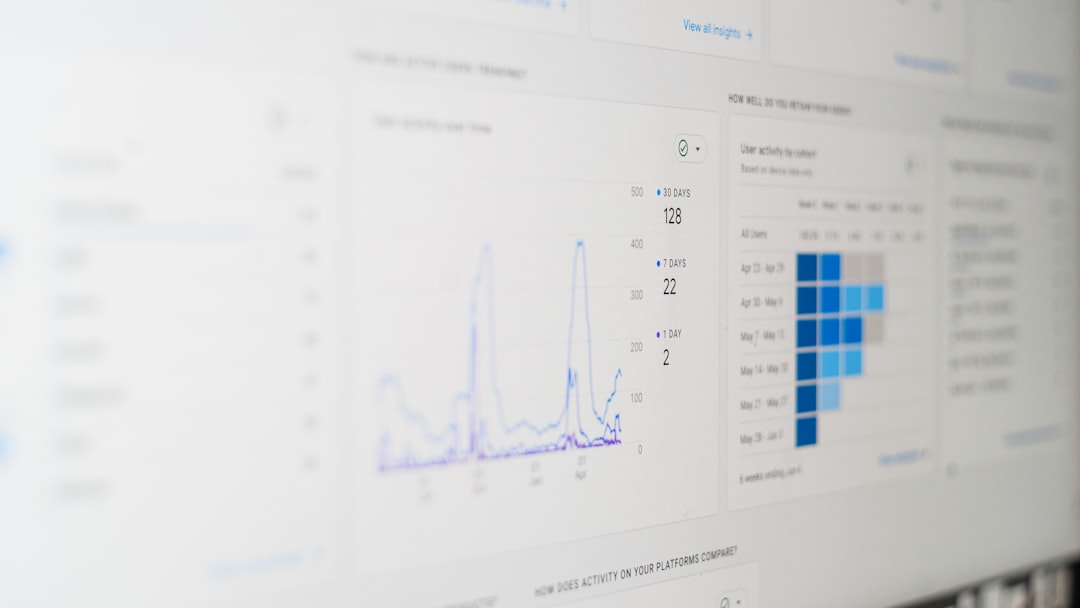
Miro is like a giant online whiteboard. Your whole team can jump in. Product managers. Designers. Marketers. Even stakeholders.
You can drag sticky notes. Add flowcharts. Insert screenshots. Draw emotion curves. It feels creative and flexible.
Why UX teams love it:
- Real-time collaboration
- Pre-built journey map templates
- Easy visual organization
- Integrates with other tools
Pro tip: Use color coding. One color for touchpoints. One for pain points. One for opportunities. It keeps things clean and easy to scan.
2. Lucidchart
Best for: Structured, polished journey maps.
If Miro feels free-flowing, Lucidchart feels structured. It is perfect for teams that like clarity and order.
You can build detailed flow diagrams. Connect steps logically. And present them professionally.
What makes it useful:
- Smart diagramming features
- Data linking
- Clear visual flows
- Easy sharing options
It is especially helpful when you want to show executives a clean and organized journey. Less chaos. More clarity.
3. UXPressia
Best for: Deep persona-driven journey mapping.
UXPressia focuses purely on customer journeys and personas. That is its strength.
You can create personas first. Then build journeys around them. This keeps your mapping human-centered.
Standout features:
- Persona builder
- Impact mapping
- Emotional journey tracking
- Exportable presentations
The emotion tracking feature is powerful. You can literally chart customer frustration, excitement, and confusion across touchpoints.
That emotional line? It is gold for UX insights.
4. Smaply
Best for: Service design and complex journey ecosystems.
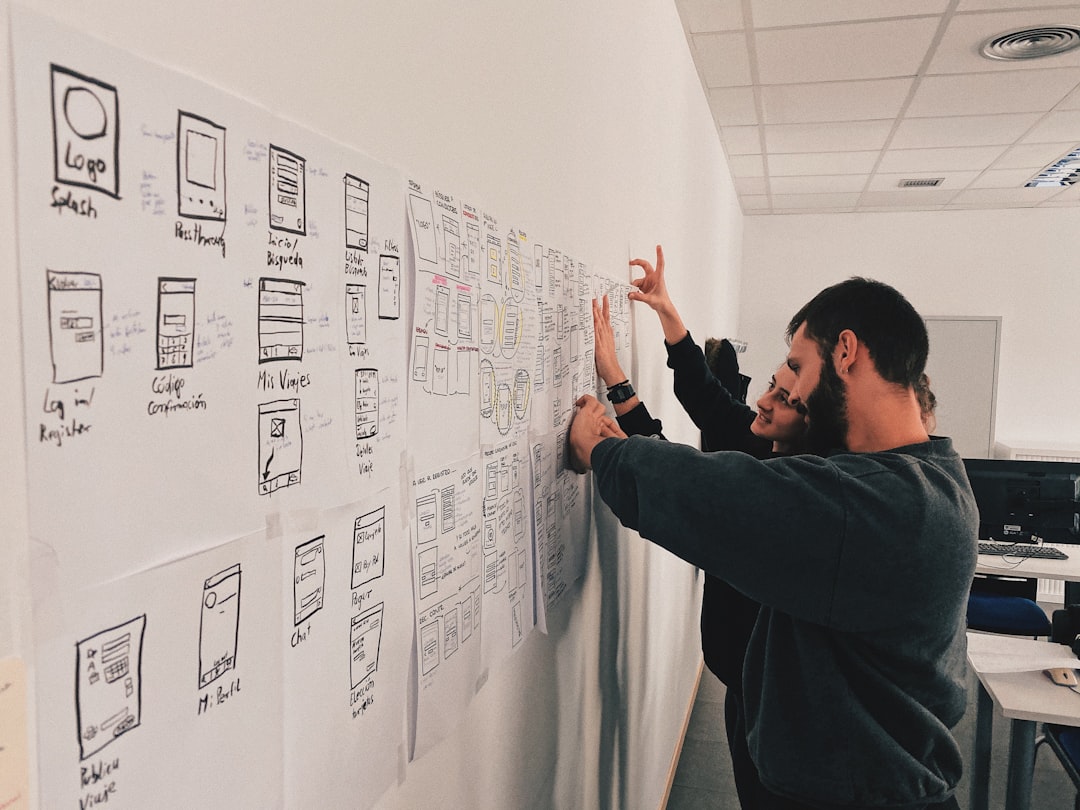
Smaply goes beyond simple website journeys. It helps map full service ecosystems.
Think online plus offline. Support calls. In-store visits. Emails. Ads. Everything.
Why it stands out:
- Stakeholder mapping
- System mapping
- Journey visualization with lanes
- Persona integration
If your product is more than just an app, this tool helps you see the bigger picture.
Big insight: Most UX issues are not isolated. They happen between channels. Smaply helps you find those gaps.
5. FigJam
Best for: Teams already using Figma.
FigJam is Figma’s collaborative whiteboard tool. It feels smooth and intuitive.
Designers love it because it lives in the same ecosystem as their UI files.
Benefits:
- Easy drag-and-drop components
- Live team workshops
- Voting stickers
- Simple, clean interface
You can run customer journey workshops directly inside it. Add sticky notes. Group insights. Vote on pain points.
Then jump into wireframes immediately.
That tight workflow saves time. A lot of time.
6. Hotjar
Best for: Behavior-based journey insights.
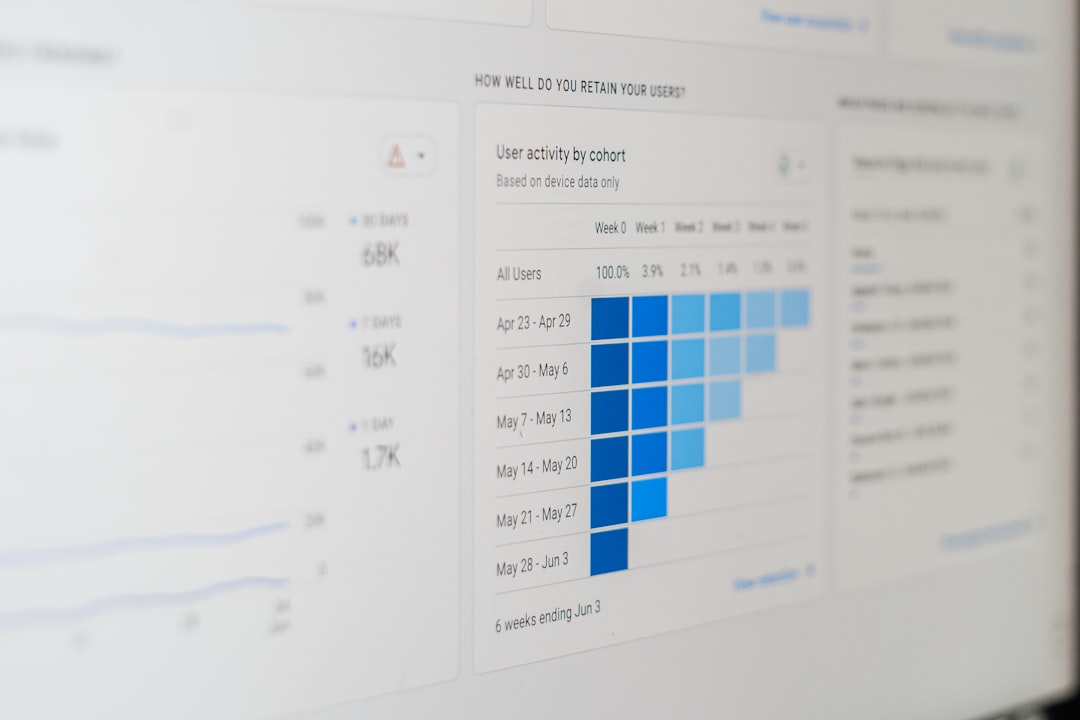
Hotjar is different. It does not just help you map journeys. It shows what users actually do.
You get heatmaps. Session recordings. Feedback polls.
Why this matters:
- See where users click
- Watch where they hesitate
- Identify rage clicks
- Gather direct feedback
Imagine seeing users repeatedly clicking something that is not clickable. That is instant UX insight.
Hotjar helps you validate your journey maps with real behavior data. Not guesses.
7. Mural
Best for: Remote workshops and ideation sessions.
Mural is similar to Miro but designed heavily for structured collaboration.
It offers workshop templates. Timers. Voting systems. Facilitation tools.
Great for:
- Journey mapping workshops
- Sprint planning
- Design thinking sessions
- Cross-team alignment
It keeps meetings engaging. And focused.
Customer journey mapping should not feel boring. Mural keeps energy high and ideas flowing.
8. Google Analytics (with GA4 Path Exploration)
Best for: Data-driven journey analysis.
This one is less visual. But very powerful.
GA4 offers path exploration reports. You can see the actual paths users take through your site or app.
You can answer questions like:
- What page do users visit before purchasing?
- Where do they drop off?
- Which paths convert best?
- What loops happen before exit?
This data feeds your journey maps with real numbers.
Remember: A pretty map means nothing without data backing it up.
How to Choose the Right Tool
Not every team needs every tool.
Ask yourself:
- Do we need collaboration or solo mapping?
- Do we want behavior analytics?
- Do we need presentation-ready visuals?
- Are we mapping digital only or full service journeys?
If you are early stage, start simple. A collaborative whiteboard tool might be enough.
If you are scaling, combine mapping with analytics tools.
The magic happens when qualitative and quantitative data meet.
How Journey Mapping Improves UX
Let’s make this practical.
Here is what journey mapping can uncover:
- Confusing onboarding steps
- Broken mobile experiences
- Emotional frustration during checkout
- Missing trust signals
- Slow support response times
It turns assumptions into clarity.
Instead of saying, “Users are not converting.”
You say, “Users drop off at shipping because unexpected fees appear.”
See the difference?
Specific problems lead to specific fixes.
Tips for Better Journey Maps
Tools are great. But technique matters too.
1. Start with real research.
Use interviews. Surveys. Analytics. Support tickets.
2. Focus on emotions.
Feelings drive behavior. Always.
3. Map end-to-end.
From awareness to loyalty. Not just checkout.
4. Keep updating.
Your journey changes as your product evolves.
5. Involve multiple teams.
Marketing sees things UX might miss. Support sees pain points product teams overlook.
Final Thoughts
Customer journey mapping is not just a trendy UX activity. It is a strategic advantage.
It helps you:
- Increase conversions
- Reduce churn
- Improve satisfaction
- Build empathy
- Create smarter designs
The right tool makes the process smoother. Faster. More collaborative.
But remember. The tool is just a container.
The real value comes from curiosity. From asking better questions. From caring about the user experience.
When you truly understand your customer’s journey, designing becomes easier.
And growth becomes natural.
So pick a tool. Start mapping. And see your product through fresh eyes.
Your users will thank you for it.