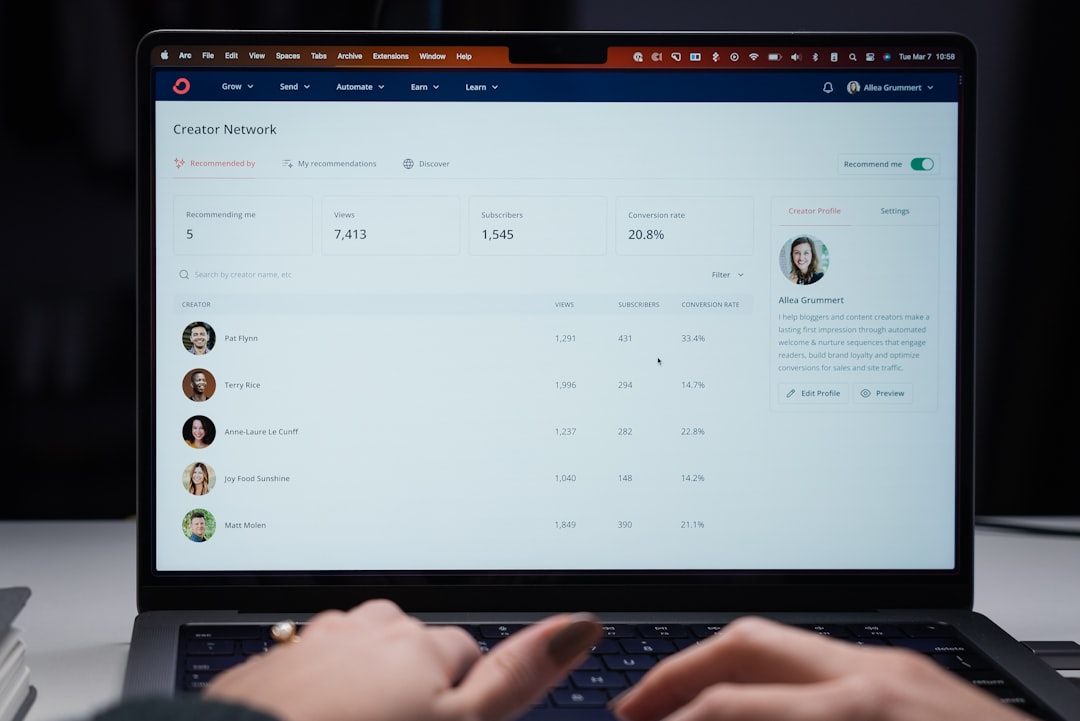

Modern workplaces have undergone a massive transformation. Remote teams, hybrid schedules, global hires, and fast-moving deliverables are now the norm. In this environment, scattered communication and disconnected tools can cost organizations time, morale, and revenue. The right project management platform does more than organize tasks—it centralizes communication, clarifies accountability, and creates a shared digital workspace where collaboration thrives.
TLDR: The right project management platform can boost team collaboration by as much as 65% by centralizing communication, clarifying responsibilities, and increasing transparency. Tools like Asana, Monday.com, ClickUp, Trello, Wrike, Smartsheet, and Notion stand out for their ability to streamline workflows and improve cross-team alignment. Choosing the best one depends on your team size, workflow complexity, and integration needs. Below, we break down the top platforms and compare their strengths to help you decide.
Let’s explore seven powerful platforms that consistently deliver measurable collaboration improvements across industries.
1. Asana
Best for: Structured workflow management and cross-functional teams
Asana has long been a favorite for teams that need clarity and structure. Its intuitive interface combines task lists, timelines, and workflow automation in a way that minimizes unnecessary communication. Instead of asking “Who’s doing what?” teams can see assignments, deadlines, and dependencies instantly.
Key collaboration features:
- Task dependencies and milestone tracking
- Real-time updates and comments
- Custom workflow builders
- Integration with Slack, Google Drive, and Microsoft Teams
Asana improves collaboration by reducing ambiguity. When ownership and deadlines are clear, friction naturally decreases.
2. Monday.com
Best for: Visual thinkers and highly customizable workflows
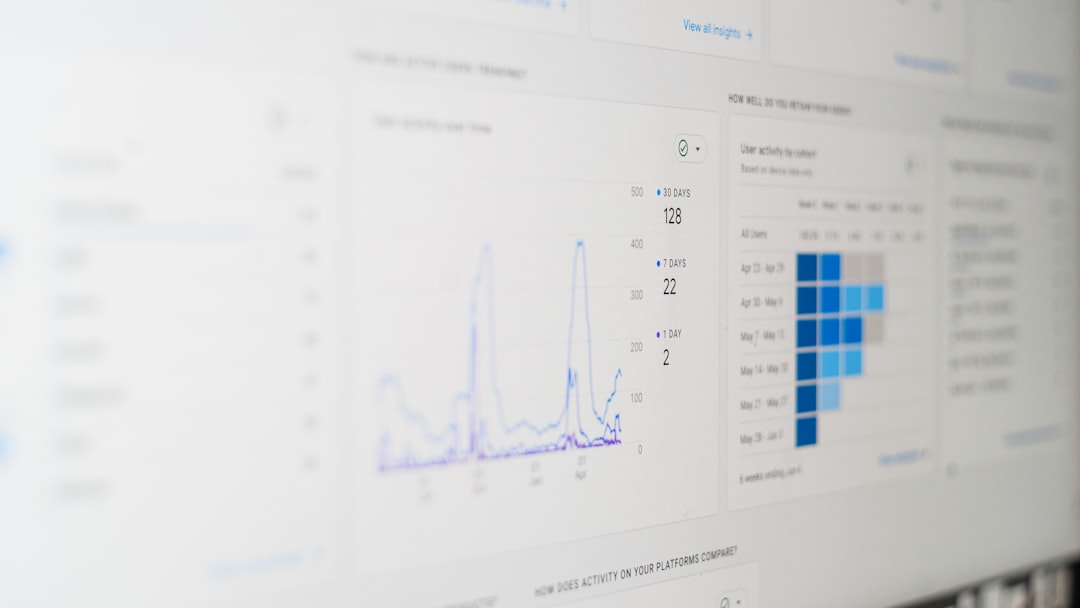
Monday.com transforms complex projects into visually digestible boards. With vibrant status indicators and flexible templates, it becomes easier to understand workflow health at a glance.
One of its biggest collaboration strengths is transparency. Teams can track progress in real time, customize dashboards for different stakeholders, and create automations that eliminate repetitive manual updates.
Key collaboration features:
- Visual dashboards with multiple views
- Workflow automation templates
- Collaborative document sharing
- Cross-department reporting tools
The platform shines in fast-paced environments where communication speed is critical.
3. ClickUp
Best for: Teams that want an all-in-one productivity hub
ClickUp markets itself as “one app to replace them all”—and for many teams, it delivers. It combines documents, task management, goal tracking, chat, and time tracking into a single ecosystem.
This consolidation removes the traditional silos between communication tools and task trackers. When chat and project progress live in the same place, collaboration becomes more fluid and contextual.
Key collaboration features:
- Built-in chat and collaborative docs
- Goal tracking aligned with tasks
- Customizable views (List, Board, Gantt, Calendar)
- Extensive automation capabilities
ClickUp is particularly powerful for scaling teams seeking flexibility without juggling multiple platforms.
4. Trello
Best for: Simplicity and Kanban-style task tracking
Trello remains one of the most intuitive platforms for beginner and small teams. Its board-and-card structure makes workflow visualization easy and accessible.
While it’s less complex than some enterprise tools, its simplicity can actually enhance collaboration. Fewer features mean less confusion and less onboarding friction.
Key collaboration features:
- Drag-and-drop Kanban boards
- Power-Ups (integrations and add-ons)
- Real-time commenting and tagging
- Checklist tracking within cards
For teams that prioritize clarity over complexity, Trello can significantly boost coordination.

5. Wrike
Best for: Large teams and enterprise environments
Wrike is designed for robustness. It offers advanced analytics, workload balancing, and resource allocation tools that enhance coordination across large departments.
Its strength lies in measurable productivity gains. Wrike’s reporting features provide visibility into bottlenecks and inefficiencies, allowing leaders to proactively optimize collaboration processes.
Key collaboration features:
- Advanced workload management
- Custom request forms
- Real-time activity streams
- Enterprise-grade analytics
Organizations managing multiple complex projects simultaneously often experience dramatic collaboration improvements with Wrike’s structured approach.
6. Smartsheet
Best for: Data-driven teams and spreadsheet lovers
Smartsheet blends traditional spreadsheet functionality with project management capabilities. For teams comfortable in Excel-style environments, adoption is seamless.
Its collaborative power lies in real-time data sharing and automated workflows. Teams can manage budgets, timelines, and performance indicators all within one dynamic sheet.
Key collaboration features:
- Spreadsheet-style project tracking
- Automated approval workflows
- Robust reporting dashboards
- Secure file sharing
Because it minimizes the learning curve, Smartsheet quickly drives productivity gains.
7. Notion
Best for: Knowledge-based teams and documentation-heavy workflows
Notion redefines collaboration by merging note-taking, documentation, and project management into a flexible workspace. It’s ideal for teams that rely heavily on shared knowledge.
Instead of switching between wiki pages and task boards, everything lives in one interconnected hub. Documents, tasks, databases, and meeting notes are easily linked.
Key collaboration features:
- Customizable databases
- Collaborative document editing
- Integrated task boards
- Knowledge management tools
Notion’s adaptability empowers teams to create workflows tailored exactly to their needs.
Image not found in postmetaComparison Chart
| Platform | Best For | Ease of Use | Customization | Enterprise Ready | Collaboration Strength |
|---|---|---|---|---|---|
| Asana | Structured workflows | High | High | Yes | Excellent task visibility |
| Monday.com | Visual project tracking | High | Very High | Yes | Real-time dashboard transparency |
| ClickUp | All-in-one productivity | Medium | Very High | Yes | Integrated communication + tasks |
| Trello | Simple task boards | Very High | Medium | Limited | Visual Kanban clarity |
| Wrike | Enterprise operations | Medium | High | Excellent | Advanced analytics visibility |
| Smartsheet | Data-focused teams | Medium | High | Yes | Spreadsheet-based collaboration |
| Notion | Knowledge management | Medium | Very High | Growing | Unified documentation hub |
Why These Platforms Increase Collaboration by Up to 65%
The productivity boost many teams report doesn’t happen by accident. These tools share four collaboration-enhancing principles:
- Centralized communication: Fewer scattered emails and messages.
- Clear accountability: Defined task owners and deadlines.
- Transparency: Progress is visible to all stakeholders.
- Automation: Reduced manual updates and repetitive work.
When teams spend less time chasing information, they spend more time executing strategy. Over time, this efficiency compounds—leading to measurable productivity improvements that can exceed 65% in optimized environments.
Final Thoughts
Choosing the right project management platform isn’t just about features—it’s about fit. Small creative teams might thrive with Trello’s simplicity or Notion’s flexibility. Large enterprises may require Wrike’s advanced capabilities or Asana’s structured workflows. Fast-scaling startups often benefit from ClickUp or Monday.com’s customization power.
Ultimately, collaboration improves when tools remove friction instead of adding complexity. The best platform is one that aligns naturally with how your team thinks, communicates, and executes.
In an increasingly digital and distributed workplace, investing in the right project management system is no longer optional. It’s the foundation of high-performance teamwork.